
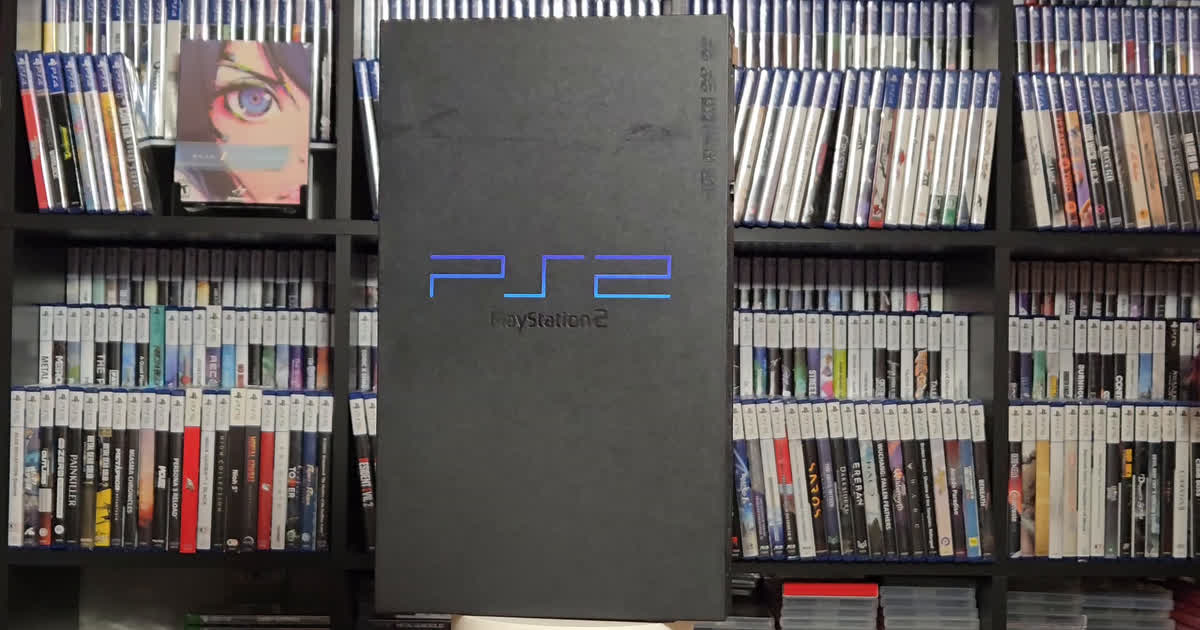
Short version: only a few early PS3 models are backwards compatible with PlayStation 2 (PS2) discs. If you’re hoping to pull a game off your PS2 shelf and pop it into whatever PS3 is under the TV, check one thing first: the model number on the back.
Here’s which PS3s are backwards compatible, how to tell in about ten seconds, and what to do if yours isn’t one of them.
This post contains eBay affiliate links. If you buy through them, I may earn a small commission at no extra cost to you.
Is the PS3 backwards compatible with PS2?
Only the earliest models: in North America, the CECHA01, CECHB01 and CECHE01. Sony’s launch PS3s had actual PS2 hardware inside, the same Emotion Engine processor and Graphics Synthesizer graphics chip from the PS2. Then, to bring the price down, Sony stripped it out in stages: first the processor, then the graphics chip. By late 2007, new PS3s couldn’t play PS2 discs at all.
PS1 is the easy part: every PS3 ever made plays PS1 discs.
Which PS3 is backwards compatible? (North America)
| Model number | Storage | PS2 discs? | How |
|---|---|---|---|
| CECHA01 | 60GB | Yes | Full PS2 hardware inside |
| CECHB01 | 20GB | Yes | Full PS2 hardware inside (no Wi-Fi, no card reader) |
| CECHE01 | 80GB | Yes, mostly | PS2 graphics chip in hardware, processor emulated; a few more games have issues |
| CECHG01, CECHH01 | 40GB | No | PS2 hardware removed |
| CECHK01, CECHL01, CECHM01 | 80GB | No | PS2 hardware removed |
| CECHP01, CECHQ01 | 160GB | No | PS2 hardware removed |
| Slim (CECH-20xx to 30xx) | 120-320GB | No | |
| Super Slim (CECH-40xx to 43xx) | 250-500GB, 12GB | No |
Notice the 80GB trap: there are 80GB PS3s that play PS2 discs (CECHE01) and 80GB PS3s that don’t (CECHK01, CECHL01, CECHM01). Storage size alone tells you nothing. The model number tells you everything.
How to tell if your PS3 is backwards compatible
- Check the sticker on the back. The model number starts with CECH. If the next letter is A, B or E (CECHA01, CECHB01, CECHE01), you’re in.
- Count the USB ports on the front. The backwards compatible fat models have four. The later fat models that dropped PS2 support have two.
- Look for the card reader flap. The 60GB and the CECHE 80GB have a small door on the front covering memory card slots. The 20GB doesn’t have one, but it still has four USB ports.
If you’re buying one used, ask the seller for a photo of the back sticker. “80GB, backwards compatible” in a listing title isn’t proof.
Find a backward-compatible PS3 (CECHA01) on eBay
Can a firmware update make my PS3 play PS2 games?
No. On every model after the CECHE, the PS2 chips are physically gone. Software updates can’t put hardware back.
What about PS2 Classics?
Starting in October 2011, Sony sold some PS2 games digitally on the PS3 store as “PS2 Classics.” That’s a download, not your disc, and it only covers the games Sony chose to release. If you’re here because you have a shelf of PS2 games, it doesn’t help you play them.
I made a whole video about what happens when games only exist as licenses on a server: I Investigated Sony’s Biggest Announcement.
Should you buy a backwards compatible PS3 just for PS2 games?
Honestly? I wish I had a CECHA01. I’ve got three PS2s, and two of them have already needed new lasers. They’re old, real old. A launch PS3 is years younger than my PS2s, built with newer parts, so it would take a lot of the wear off my original consoles. If I could afford one, that’s exactly how I’d play my PS2 games. Of course, launch PS3s have their own reputation for dying (the infamous yellow light of death), so either way you’re babysitting old hardware.
If you’re starting a PS2 collection from scratch, my beginner’s guide covers 20 games worth owning on original hardware:
The written version is here: PS2 Beginner’s Guide.
More PS2 reviews and collecting posts: PS2 on Neon Stache.
FAQ
Only the CECHE01. The 80GB CECHK01, CECHL01 and CECHM01 can’t play PS2 discs. Check the sticker.
No. No Slim or Super Slim PS3 plays PS2 discs.
No. Only the CECHA, CECHB and CECHE models in North America. The 40GB, 160GB and later 80GB fat models aren’t.
Yes. Every PS3 model plays PS1 discs.
Yes. It’s the 60GB launch model with full PS2 hardware inside.
Yes. The 20GB CECHB01 has the same full PS2 hardware as the 60GB. It just skips Wi-Fi and the memory card reader.
You stay frosty.
Leave a Reply
You must be logged in to post a comment.